To add a pair of custom jeans:
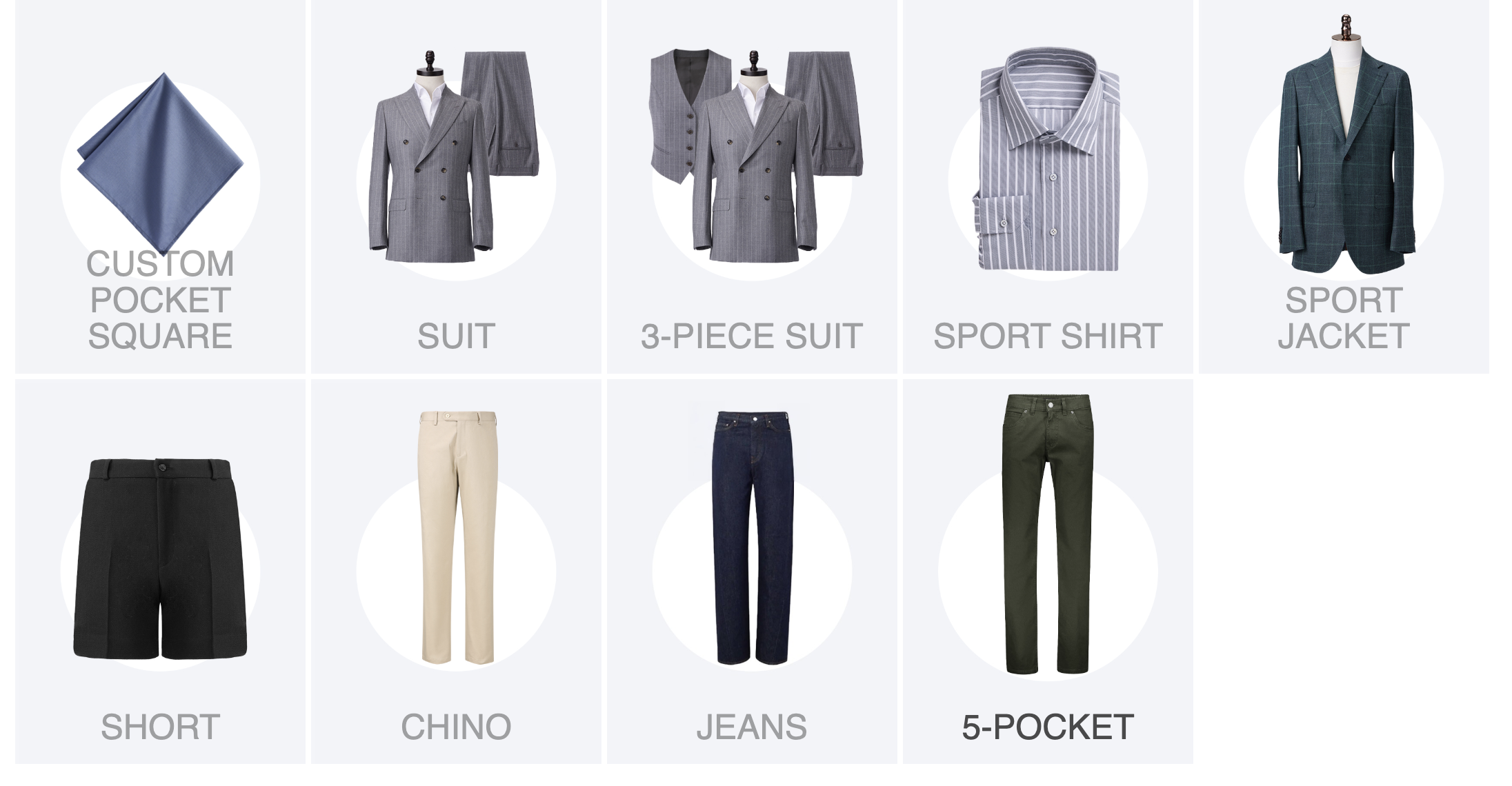
1. Go to Add Item in the cart and choose Jeans.
2. Build your design.
3. Add measurements (see below).
When ordering jeans without try-ons, follow these steps to ensure proper fit: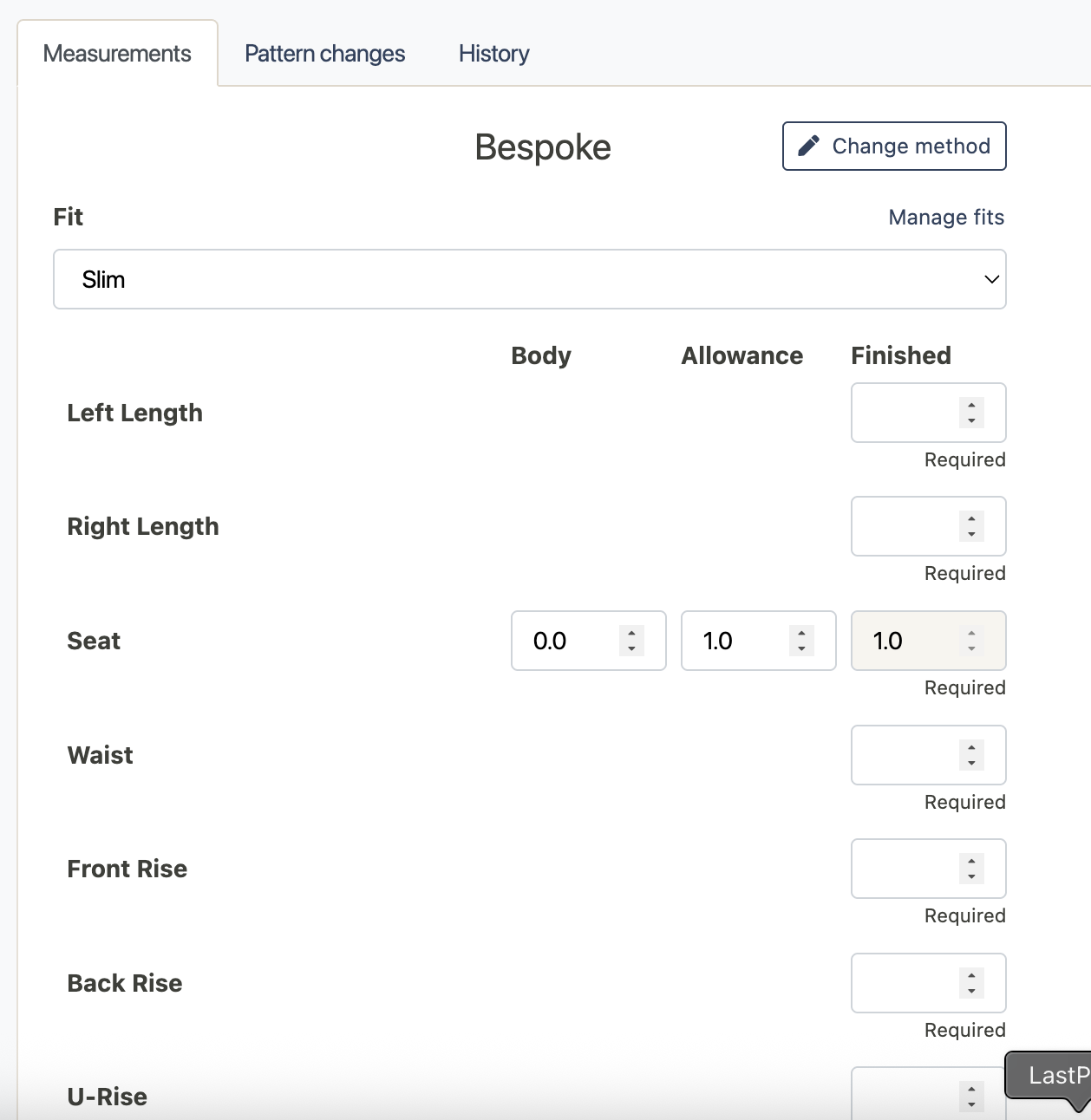
1. Select Cut
Choose the cut first—this sets allowances for seat, thigh, and knee. Always keep the customer’s proportions and overall look in mind.
2. Length (Left/Right)
- Measure from top of side waistband along outseam to desired end.
- Jeans are worn longer than trousers—add 0.5"–1" (more if rolled hems are preferred).
3. Seat
- Measure the fullest part of the seat, keeping the tape level.
- The cut adds allowance automatically.
- Go tighter than trousers: subtract ~0.5" from thigh measurement.
4. Waist
- Measure where the jeans will sit.
- Jeans stretch—subtract ~0.5" from trouser waist.
5. Rise (U-Rise, Front, Back)
- This is different than normal trousers; you have to input a front and back rise.
- Measure from front waistband, between legs, to back waistband.
- Regular ratio = 40% front / 60% back. Adjust for low or high waist.
6. Thigh
- Measure fullest part of thigh.
- Subtract ~1" from trouser thigh measurement.
- Allowance varies by fabric and fit preference.
7. Knee
- Measure calf circumference, then add +1.5".
- Ensure final knee width can clear thigh just above the knee.
8. Bottom Opening
- Modern jeans: 12–14" opening.
- Go wider for traditional styles or heavier builds.
** Note: Grey fields in the order form are optional, not required.
Was this article helpful?
That’s Great!
Thank you for your feedback
Sorry! We couldn't be helpful
Thank you for your feedback
Feedback sent
We appreciate your effort and will try to fix the article