Before placing any orders on the Studio, you will need to create a Customer Profile. Everything that is added here will be for your internal purposes only, and can be edited at any point in time. Each customer you sell a made-to-measure item to will need their own profile, so their order history, measurements, demographic info, and more are all kept on one single page.
To create a Customer Profile, start by clicking the "New Client" button across the top of the home page.
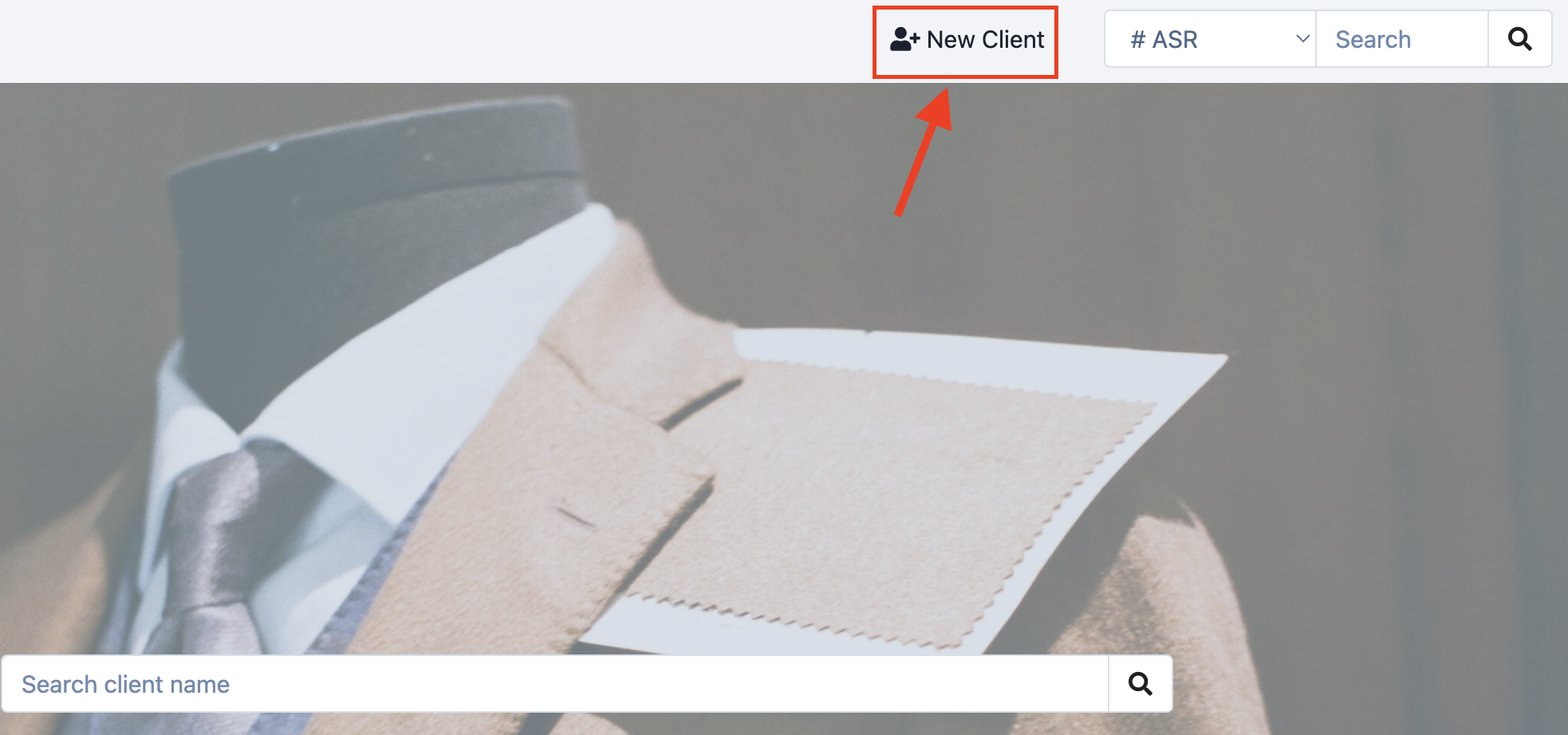
After clicking this, a small box will appear. The Studio will prompt you to fill out mandatory information for client creation (marked with an asterisk*), as well as some optional fields. 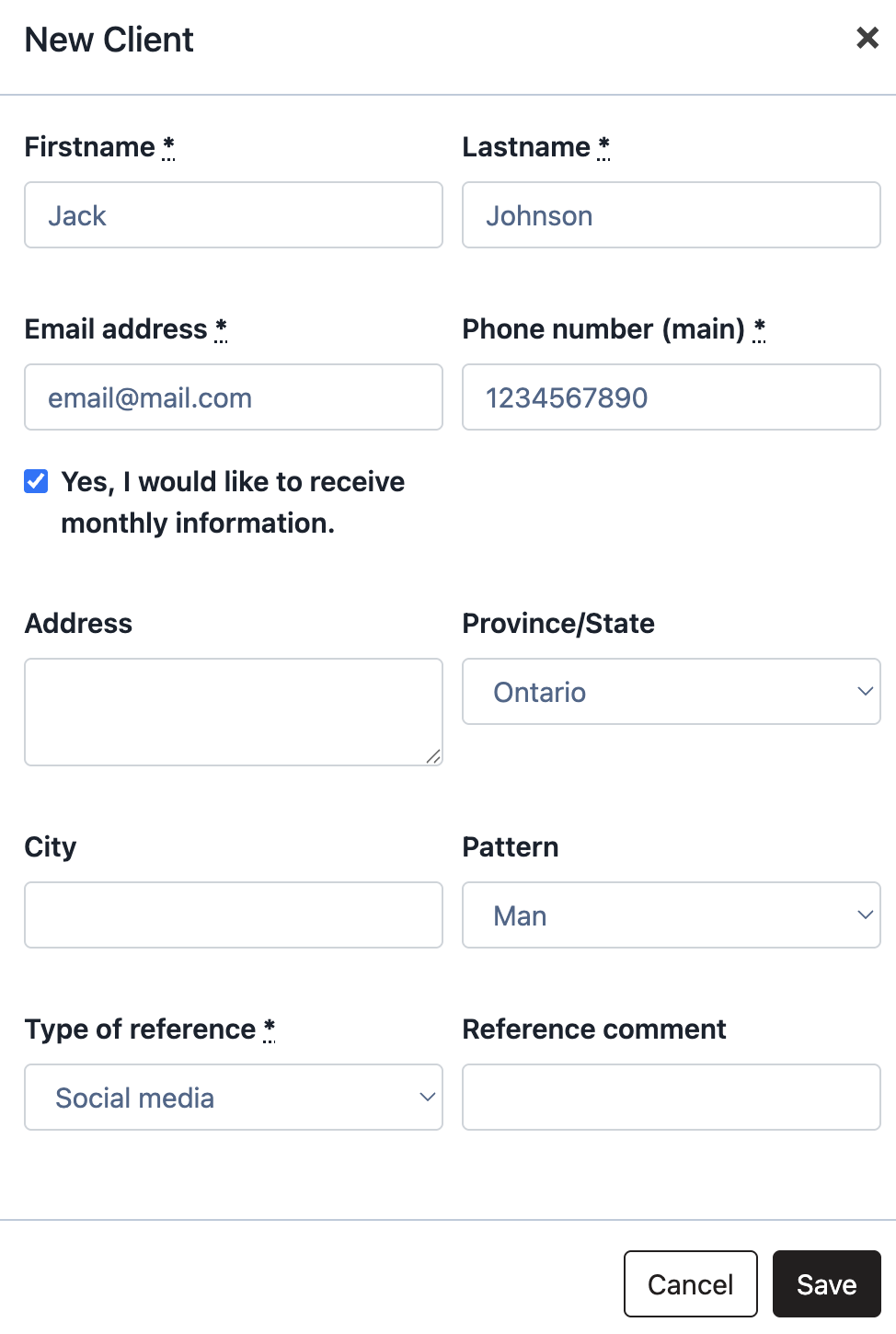
Viewing a Customer's Profile
After completing the mandatory fields, you can view a customer's profile, which includes:
- Measurements
- Current & past orders and carts
- Invoices
- Other information, such as fitting photos, upcoming events, style preferences, notes and more!
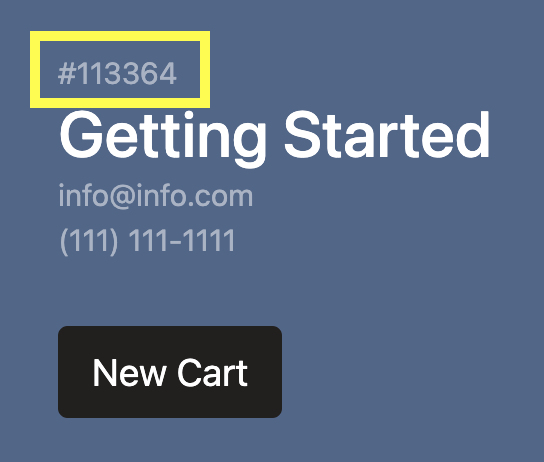
Each profile generates a client number, useful for communicating with MTM.Design. The client number is located on the profile and in the web address (highlighted in yellow below).
Was this article helpful?
That’s Great!
Thank you for your feedback
Sorry! We couldn't be helpful
Thank you for your feedback
Feedback sent
We appreciate your effort and will try to fix the article