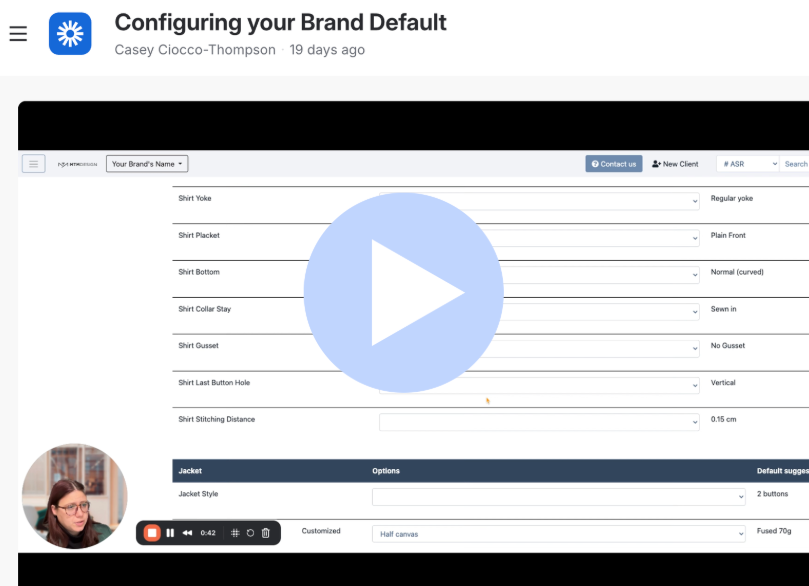
Before placing your orders, you should configure some brand settings. This will allow you to select design defaults that are present when you create an item.
Access Brand Configuration:
- Navigate to Admin > Brands > Brand Config from your home screen.

Select Default Builder Options:
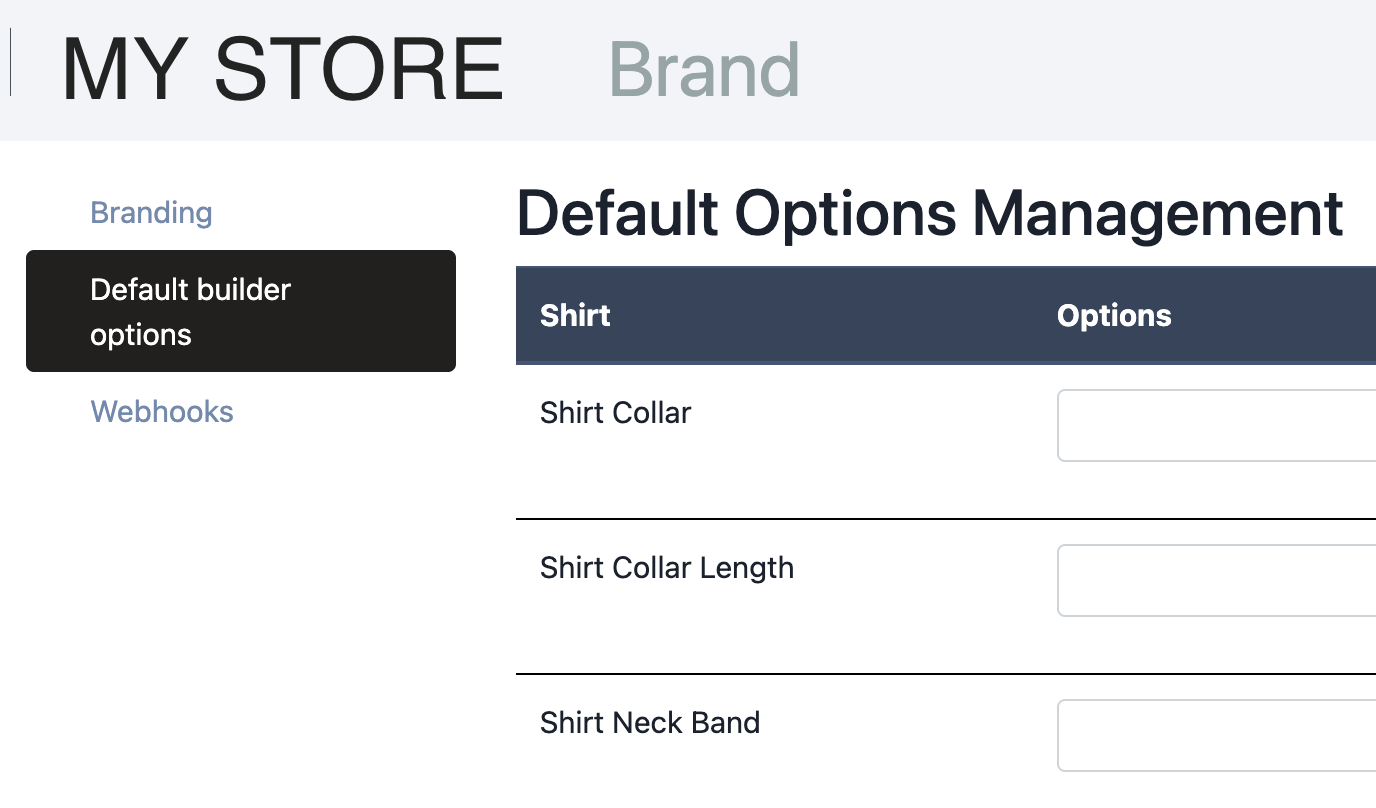
- In the Brand Config menu, select the "Default builder options" tab.
Customize Design Features:
- Choose default design features for various garments (shirt, jacket, pants, waistcoat, overcoat, jeans, sport shirt).
- For example, set a default collar style for shirts.
- Leave sections blank to use MTM.Design’s default suggestions.

Confirm Customizations:
- Once an option is selected, "Customized" will appear next to the design selection.

Was this article helpful?
That’s Great!
Thank you for your feedback
Sorry! We couldn't be helpful
Thank you for your feedback
Feedback sent
We appreciate your effort and will try to fix the article